
An AI assistant in the sidebar
Chat with your document open beside you. The assistant keeps conversation history, can search and edit the file with tools, and proposes changes you review before they land.
// macOS app;
A native Markdown editor for Mac with an integrated AI assistant. Edit in a clean WYSIWYG surface or drop into raw Markdown, keep your document structured with a drag-and-drop outline tree, and export to PDF, DOCX, or HTML when you're done.
v0.3.0 · Universal · 231.9 MB· Free & open source (MIT)



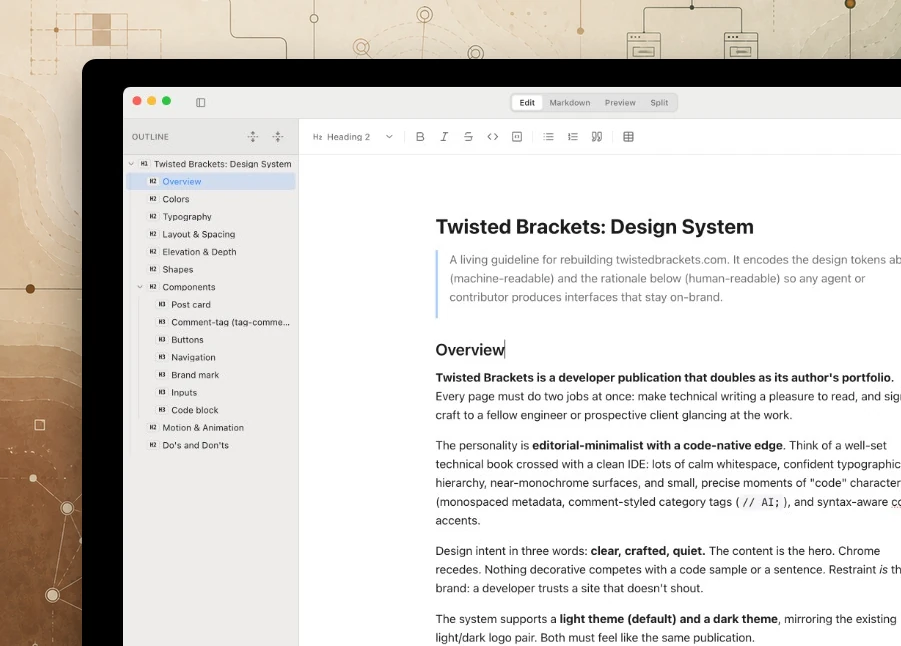
New in v0.3.0
Chat, autocomplete, and inline edit review live beside your document. Configure models and the Vercel AI Gateway in Preferences when you want AI; everything else stays local-first.
Chat with your document open beside you. The assistant keeps conversation history, can search and edit the file with tools, and proposes changes you review before they land.
Context-aware suggestions appear as you write, tuned to the section you are in and the headings around it, so you can accept a completion or keep typing.
AI-proposed additions and deletions show inline in the editor with accept and reject controls, plus accept-all and reject-all when a batch of changes is waiting.
Editing modes
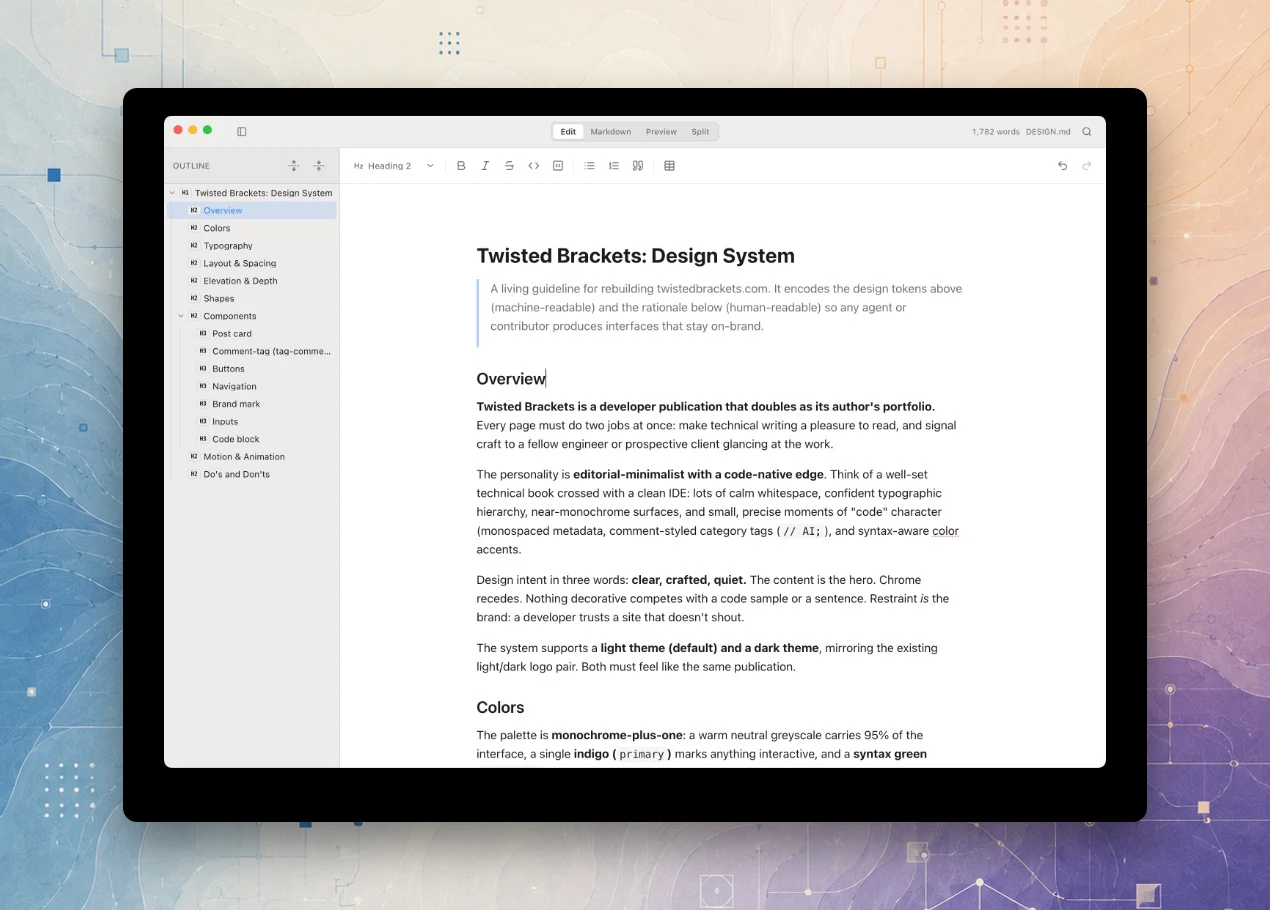
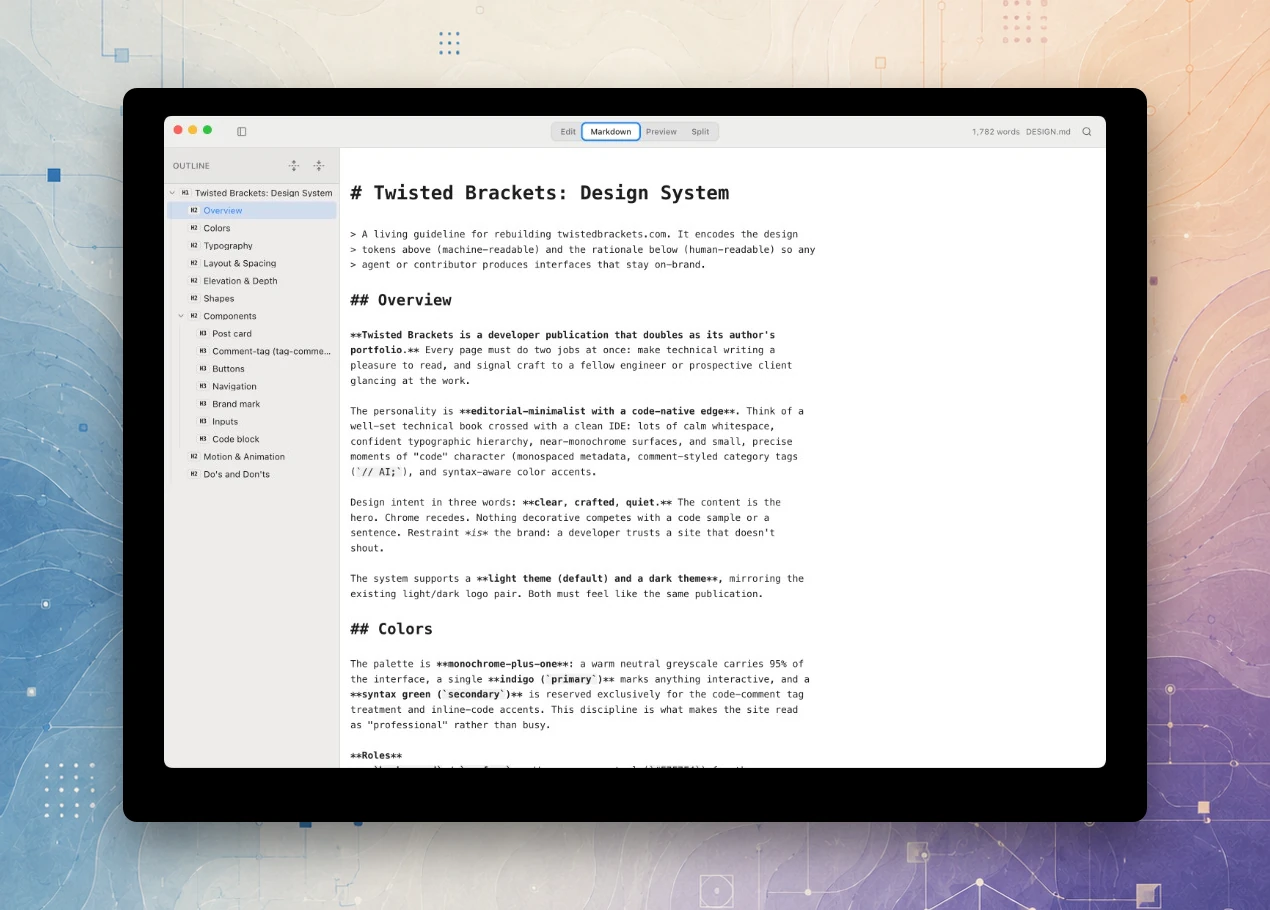
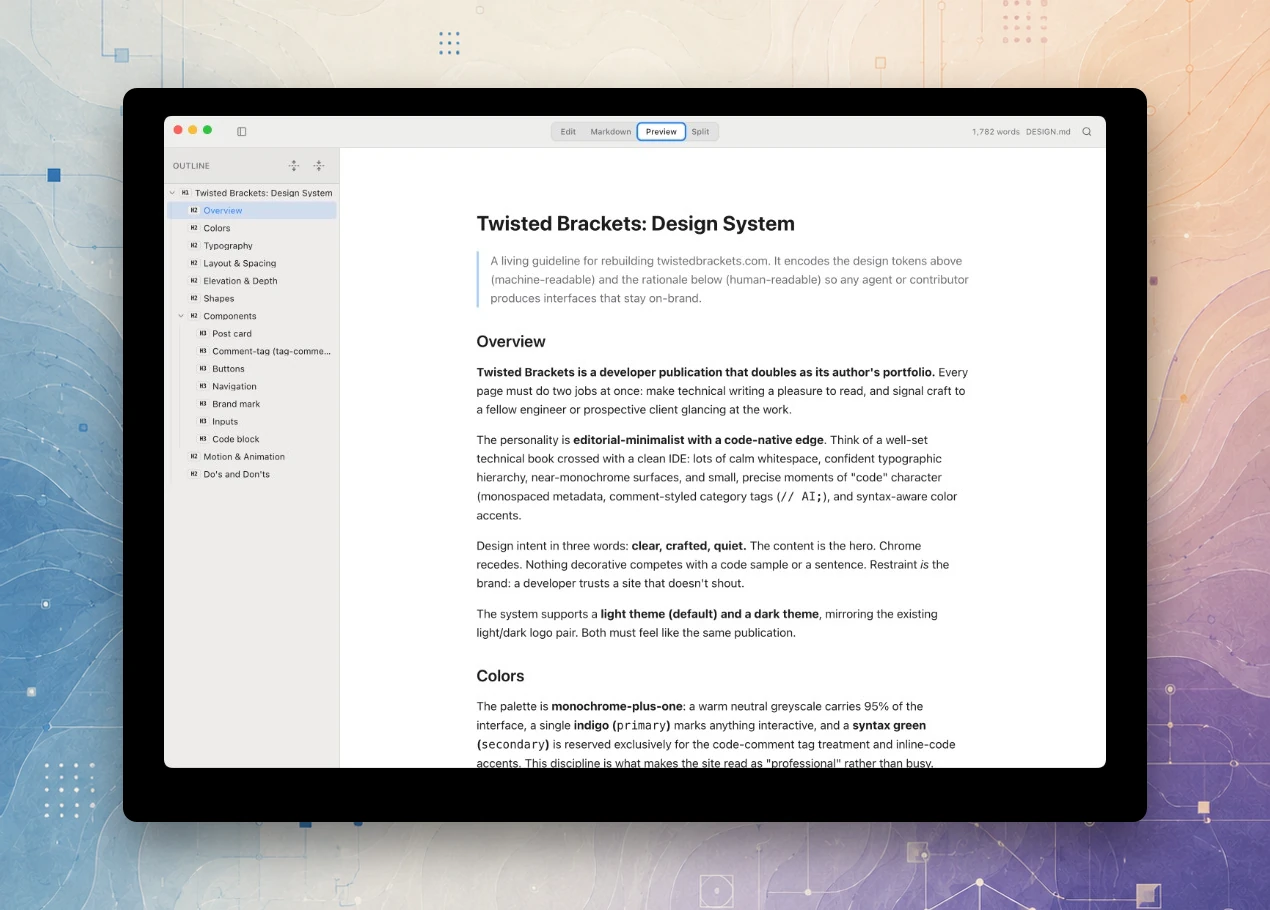
Switch between Edit, Markdown, Preview, and Split from a native-style toolbar, a View menu item, or a keyboard shortcut. The underlying file is always plain Markdown.
Edit
WYSIWYG editing
Headings look like headings, bold looks bold, tables render as a grid. Syntax characters stay hidden until your cursor is on that line.
Markdown
Raw source, when you want it
Drop into plain-text Markdown at any time: the same document, with no round-trip loss between the two views.
Preview
Final-form, read-only preview
No editing chrome, no syntax markers. Just the typeset document as it will look exported.
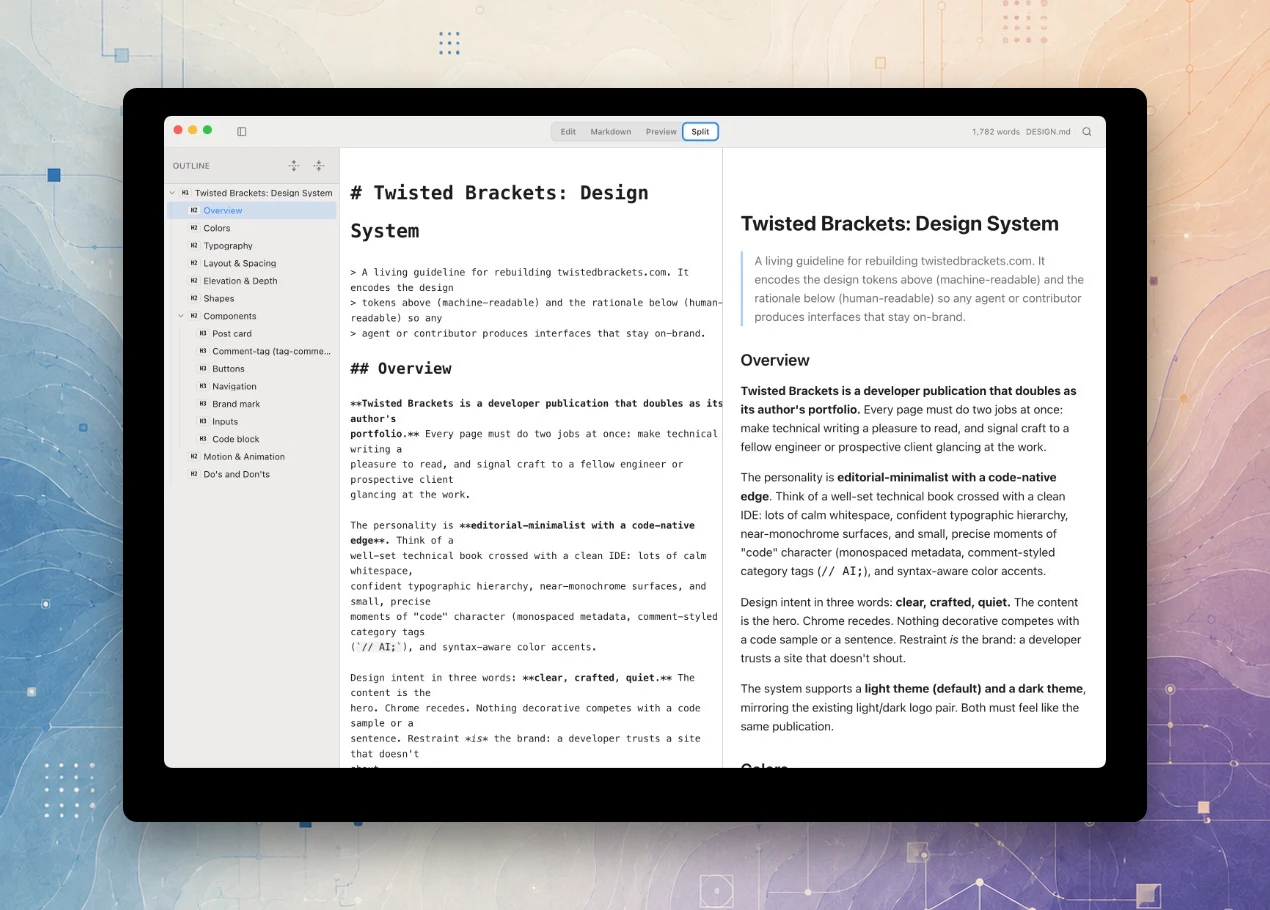
Split
Source and preview, side by side
Raw Markdown and rendered Preview stay in sync as you scroll, so you can write with one eye on the result without losing your place.
What it does
Structure, navigation, and export, built around the file staying a portable, plain-text .md at every step.
A live tree of every heading, built straight from the document with no manual maintenance. Click any node to jump the editor straight to it.
Drag a heading to reorder or re-nest it and MarkDoc moves the whole section with it, adjusting heading levels to match the new depth automatically.
Jump to headings and body text with a ranked search overlay, then find and replace across the whole document when you need to rename a term or fix a typo everywhere at once.
Ship the same document as a shareable PDF, an editable Word file, or self-contained HTML, with Mermaid diagrams, tables, and per-document styling carried through.
Insert from your computer or a URL. Local images are copied into a co-located .assets folder so relative paths stay portable when you move or share the Markdown file.
A native Quick Look extension renders Markdown as formatted HTML the moment you hit Space on a file, without opening the app first.
MarkDoc checks GitHub Releases in the background and prompts you to restart once an update is ready. It never does this while a document has unsaved changes.
Command line
Install the markdoc command from Preferences → Install markdoc CLI, the same way VS Code's code command works. MarkDoc holds a single-instance lock, so opening another file hands off to the already-running window instead of launching a second copy of the app.
markdoc notes.md              # Open a file
markdoc doc1.md doc2.md       # Open multiple files
markdoc                       # Activate app / new blank document
markdoc --new-window file.md  # Force new window
Under the hood
Local-first, no accounts, no telemetry. Optional AI connects through the Vercel AI Gateway when you configure it in Preferences. Your documents never leave the machine unless you ask the assistant or export them yourself. Read the functional, technical, and design docs in the repo for the full detail behind every feature above.
Get MarkDoc
v0.3.0 adds an AI assistant, inline autocomplete, and edit review in the document. Packaged as a universal macOS app for Apple Silicon and Intel, signed and notarised. Free and open source under the MIT licence, with no account and no subscription.
231.9 MB · macOS · Universal (Apple Silicon and Intel)