Imagery
Screenshot Image
screenshot-image
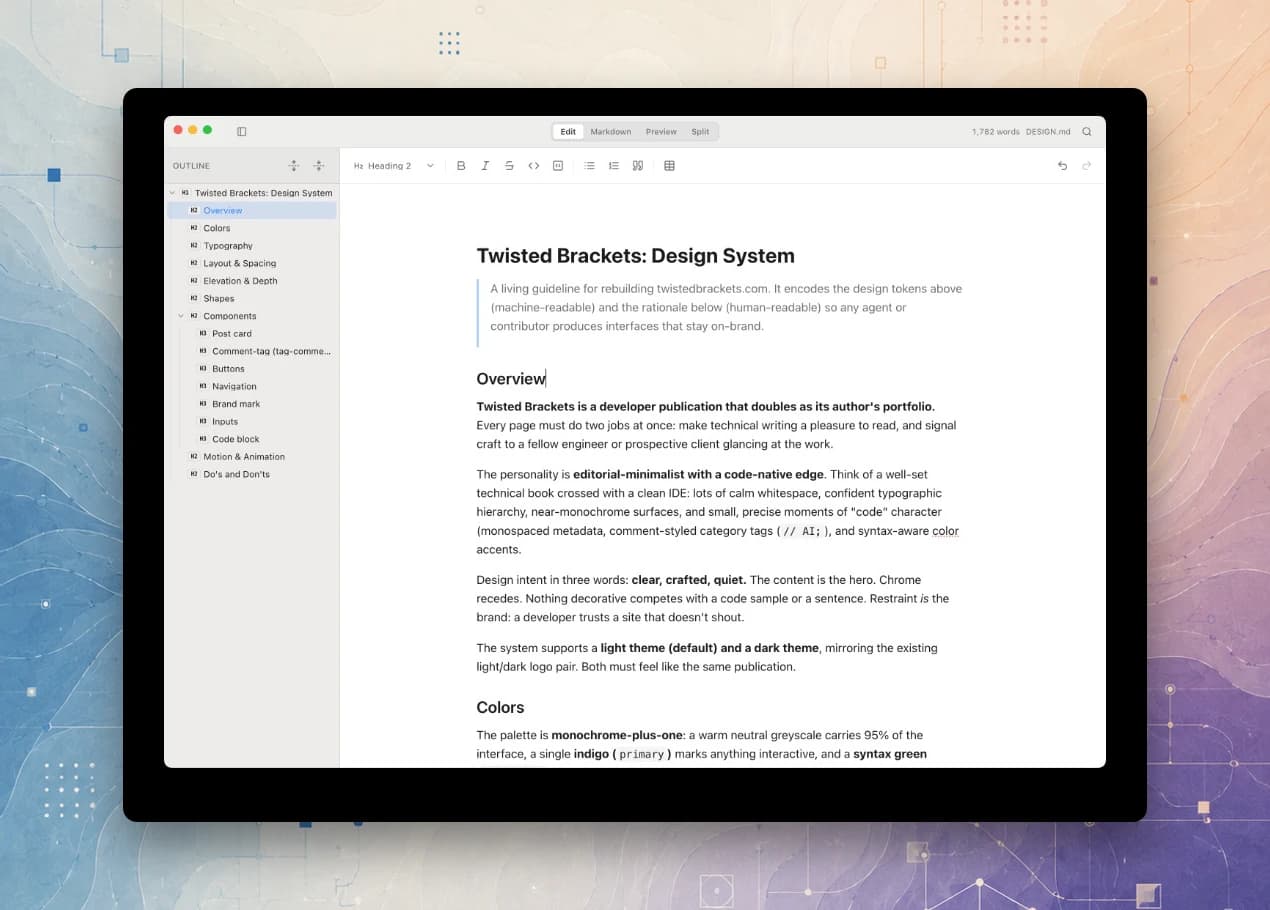
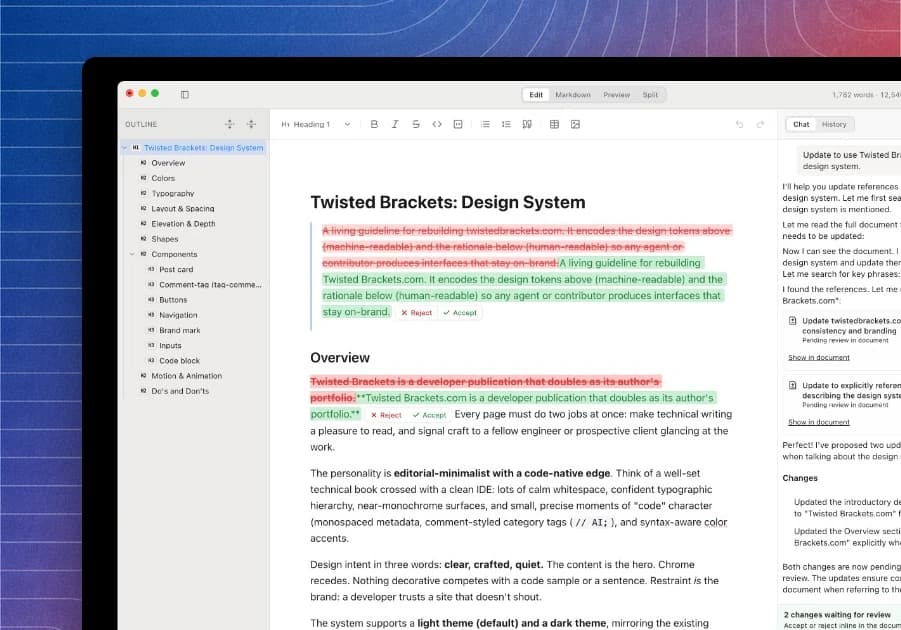
Turns a raw screenshot into a presentable feature image by compositing it over one of the site's themed backgrounds with rounded corners and a soft drop shadow. Output is web-optimised WebP (roughly 10–20x smaller than PNG for UI content), capped at 1920px wide, with centre and offset layouts for detail shots versus feature call-outs.
What it does
- Composites the screenshot onto a public/bg background as a floating card
- Adds rounded corners and a soft drop shadow automatically
- Offers centre and offset layouts for detail versus feature shots
- Encodes web-optimised WebP capped at 1920px wide
- Saves to public/screenshots/{name}.webp ready to reference
Output examples
Raw MarkDoc screenshots composited by this skill. The first uses the centre layout; the second uses the offset layout, anchored to a corner for a feature call-out.
Example prompt
“/screenshot-image Beautify this raw MarkDoc screenshot for the nav feature panel.”
Install
sh
npx dot-skills add levi-putna/twistedbrackets.com/screenshot-imageInstalled with dot-skills, which keeps one .skills/ folder as the source of truth and links it into Claude Code, Cursor, and other agents. Learn more about dot-skills.