UI/UX law
// Interaction & Speed;
Doherty Threshold
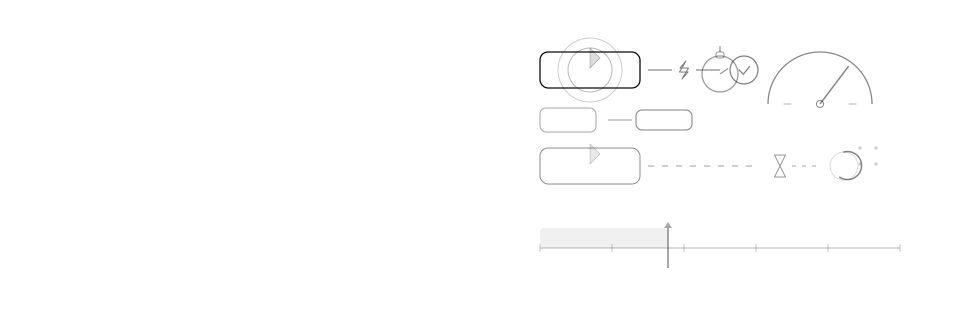
Productivity and engagement rise when a system responds to input in under about 400 milliseconds.
Mechanism
Why it happens
Below roughly 400ms, an action feels causally connected to its result; above it, attention drifts and the interface reads as sluggish even if it eventually completes.
Impact
Why it matters
- Perceived speed drives engagement more than raw throughput does
- A response that arrives too slowly breaks the sense that the click did anything
- Unnecessary spinners under 400ms make a fast system feel slower than it is
Example
Without vs. with
Clicking "Add to cart" shows nothing for 1.2 seconds, then the page jumps without warning.
Clicking "Add to cart" updates the button state instantly and confirms within 400ms, with a skeleton if the network is slow.
Checklist
How to apply it
Show a loading indicator only when a response will take longer than ~400ms
Use optimistic UI updates for actions that almost always succeed
Break slow operations into visible steps or progress instead of one long spinner
Budget and measure interaction latency the same way you budget page load
Recipe
Code example
Where it shows up