UI/UX law
// Interaction & Speed;
Forcing Function
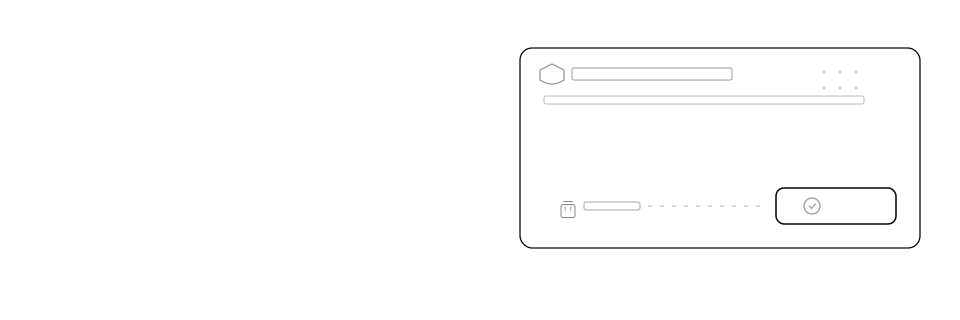
In a dialog that triggers an irreversible action, make the safe choice the loud, default primary button and demote the destructive choice to a quiet, link-style action tinted with a warning colour, placed on the opposite side of the dialog rather than beside the primary action.
Mechanism
Why it happens
Repeated confirmation dialogs train a motor habit: click the button in the usual "go" position to proceed, often without reading it. If the destructive action sits in that prominent, default, Enter-key-bound position, habit clicks it before judgment weighs in. Adjacency compounds the risk even after the destructive action is demoted: a button sitting right next to the safe action is still one small, misjudged movement away from a click, the same overshoot Fitts's Law predicts for any two nearby targets. Moving the destructive action to the opposite side (the left, away from the primary cluster) removes that geometric chance and forces a deliberate reach before anything irreversible can fire.
Impact
Why it matters
- Confirmation dialogs are usually clicked through by habit, not read; a prominent destructive default gets hit by muscle memory
- A default or auto-focused button also fires on Enter, so a destructive default can trigger without a deliberate click at all
- A destructive action placed right beside the primary button is still one misjudged click away, even once it's visually demoted
- Two equally loud buttons give no signal about which path is safe, so the habitual (often rightmost or brightest) one wins by default
Example
Without vs. with
Delete this project? This can’t be undone.
A "Delete project" dialog shows two equally filled buttons side by side; "Delete" is the rightmost, red, and focused by default, so Enter deletes the project.
Delete this project? This can’t be undone.
The same dialog puts "Delete" as a plain red text link on the far left, well away from "Keep project," the filled, focused primary button on the right, which Enter reaches instead.
Checklist
How to apply it
Give the safe action the filled primary style and make it the dialog's default, focused control
Style the destructive action as a link or low-emphasis secondary action, never the filled primary style
Place the destructive action on the opposite side of the dialog from the primary action, typically far left, not beside it
Tint the destructive action with the product's danger colour so its meaning reads before its label is even parsed
Bind Enter and default focus to the safe action only; never let the destructive action fire from a reflexive keypress
Recipe
Code example
Where it shows up