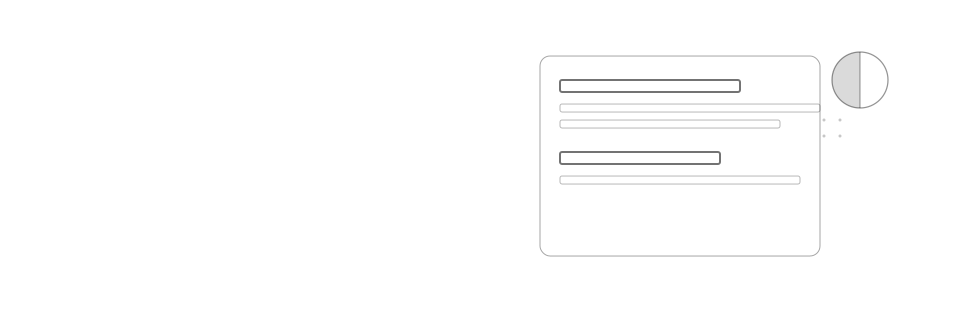
UI/UX law
// Perception & Gestalt;
Hierarchy Through Contrast
Visual hierarchy comes from contrast in weight and colour, not from escalating font size: a heading and its body text can share the same size as long as weight and colour set them apart.
Mechanism
Why it happens
Font-size differences aren't free: a bigger heading changes layout and line-wrapping, and once one element claims a larger size to stand out, the next one that wants attention has to go bigger still, which is how size-driven hierarchies escalate until every heading is shouting. Weight and colour contrast work differently. Pre-attentive vision separates a heavy, high-contrast mark from a lighter, lower-contrast one within the first few hundred milliseconds, before size or wording is even parsed, so a bold, full-contrast heading beside a lighter, dimmed body already reads as "read this first." Because weight and colour don't consume extra space the way a larger font does, one heading size can hold across an entire type scale and still produce a clear, ordered scan path.
Impact
Why it matters
- Escalating heading sizes is a race with no finish line: every card or section that wants to stand out just gets a bigger heading than the last one
- Weight and colour contrast are perceived pre-attentively, before anyone reads the words, so they establish reading order faster than a size difference does
- A modest, full-contrast heading paired with a dimmed body makes the reading order in a card or dialog obvious without shrinking the body's legibility
- A single heading size keeps layout and line-wrapping predictable across a component library, where size-driven hierarchy compounds every time a new heading tier gets added
Example
Without vs. with
Storage almost full
You’ve used 92% of your space. Upgrade your plan or clear old files.
A "Storage almost full" card sets its heading at 20px bold white text and its body at 14px light grey; the next dialog over-corrects by bumping its own heading to 24px to keep pace, so every card on the page ends up with a different, ever-larger heading size.
Storage almost full
You’ve used 92% of your space. Upgrade your plan or clear old files.
The same card keeps heading and body at the same 14px size: the heading is weight 600 in the full-contrast foreground colour, the body is weight 400 in a colour roughly 30% dimmer, so the reading order is obvious without a single font-size change.
Checklist
How to apply it
Set one heading size for cards and dialogs and let weight (e.g. 600 vs 400) and colour carry the emphasis, not a larger font size
Dim body text toward a lower-contrast neutral, roughly 25 to 30% less lightness than the heading, so it visibly recedes
Reserve font-size increases for genuine hierarchy tiers, like a page title versus a section title, not for every card or dialog heading
Check a card or dialog at a glance: if the reading order isn't obvious from weight and colour alone, don't fix it by making the heading bigger
Recipe
Code example
Where it shows up